
Why do security cameras look different on a phone, a tablet and a TV? It’s the question behind “Do the cameras really look like that?”, the one we hear most from customers across Palm Beach County. So we filmed real Reolink cameras to show you. Here’s the part nobody tells you: what you see depends as much on what you’re watching on as on the camera itself.
In the video we show you four things: daytime, zoom, night vision and color night vision (Color Vue). Below, we explain why it can look different on every screen in your house.
Why Security Cameras Look Different: Your Screen Is Half the Picture
Think of the camera as a photographer and your screen as the frame on the wall. A great photo in a cracked, dim frame still looks bad. Here’s how the common screens stack up with the exact same camera feeding them:
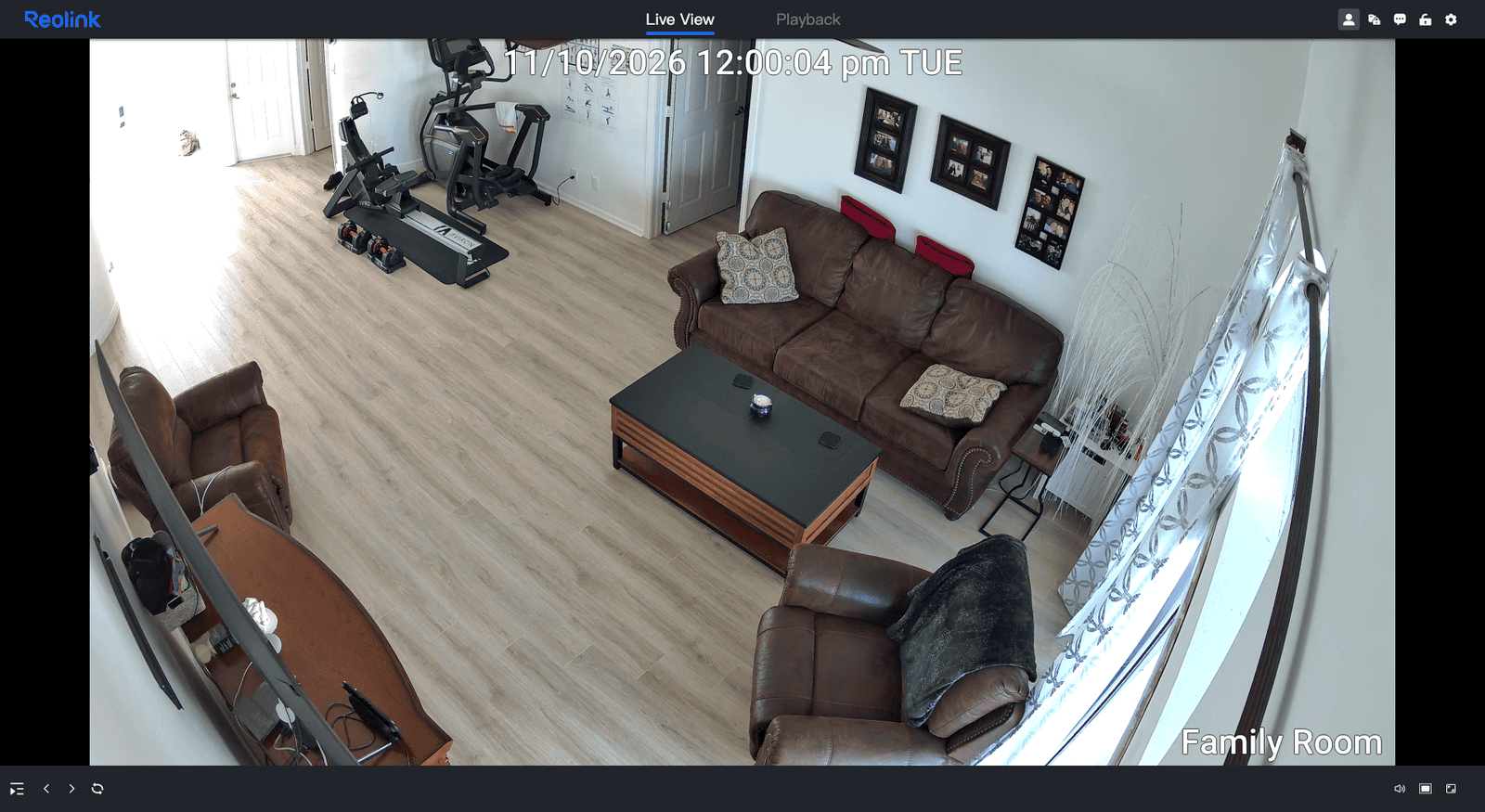
Direct-connected 4K monitor or TV
Your recorder (NVR) plugs in by HDMI. No internet, no phone app, no squeezing the video. On a good 4K TV like a Sony, this is the cameras at their best. Plug into an older 1080p TV and you’ll see 1080p, so the screen sets the ceiling.
BESTNewer flagship phone (iPhone Pro class)
Bright, sharp OLED screen and a fast chip that decodes 4K video smoothly. Pinch-to-zoom stays crisp. For checking on your home from the grocery store line, it’s hard to beat.
GREATLaptop or desktop
Big screen, solid processor. A nice way to review recorded clips and zoom in on details after the fact.
VERY GOODOlder, basic tablet
Low-resolution screen, slow processor and old Wi-Fi. The app often drops to lower quality just to keep up, so even a 4K camera can look soft, grainy or blocky. The camera isn’t the problem.
GRAINYSecret #1: The Grid View Isn’t Full Quality
Here’s one reason security cameras look different from one screen to the next. When you open your app and see 4, 8 or 16 cameras at once, the app is usually showing a lighter, lower-resolution version of each feed (a “sub-stream”) so everything loads fast. Tap one camera to open it full screen and it switches to the high-quality main feed. Many camera apps also have a stream-quality setting (look for options like Clear and Fluent). If your picture looks soft, check that first before blaming the camera.
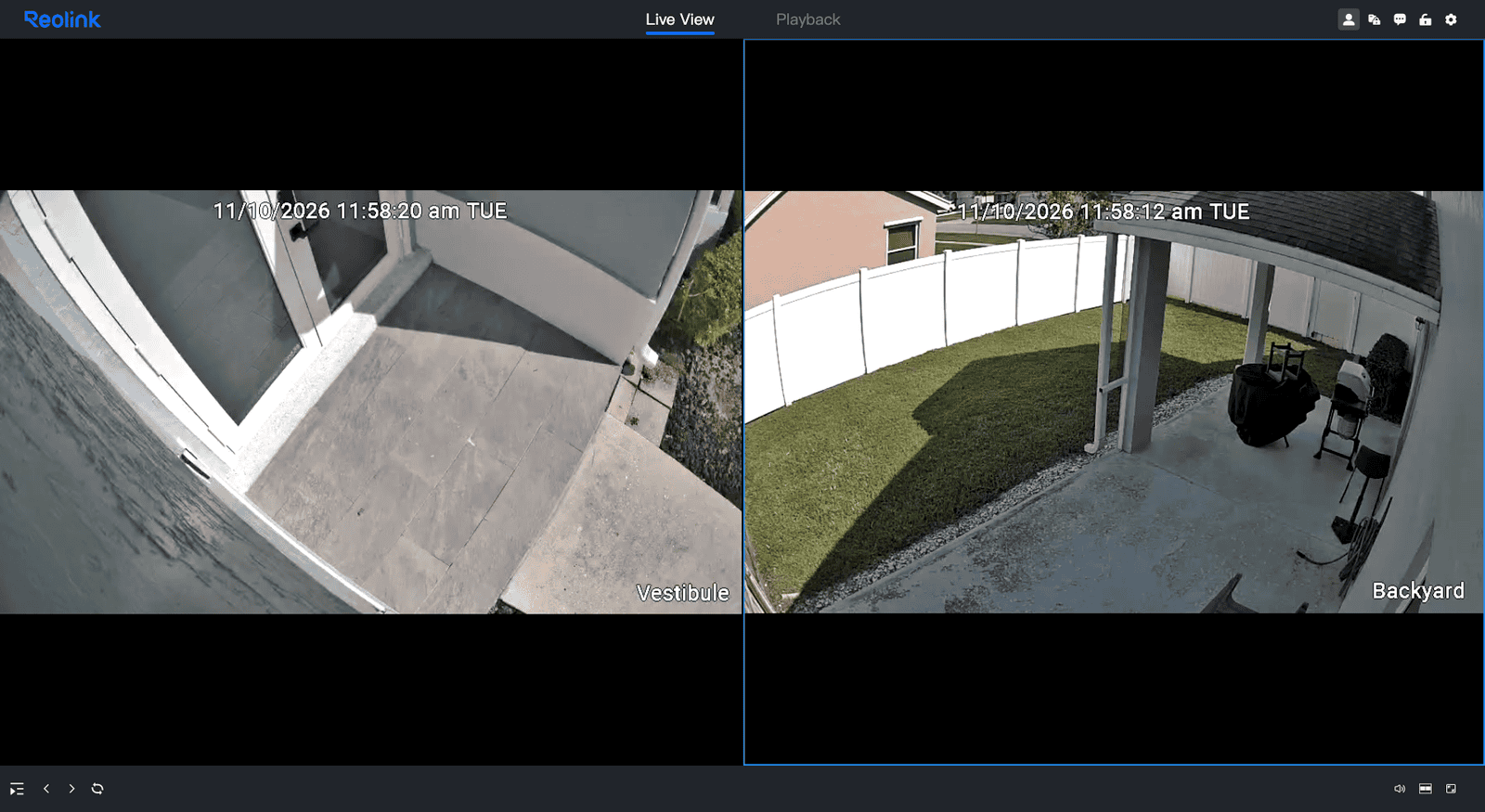
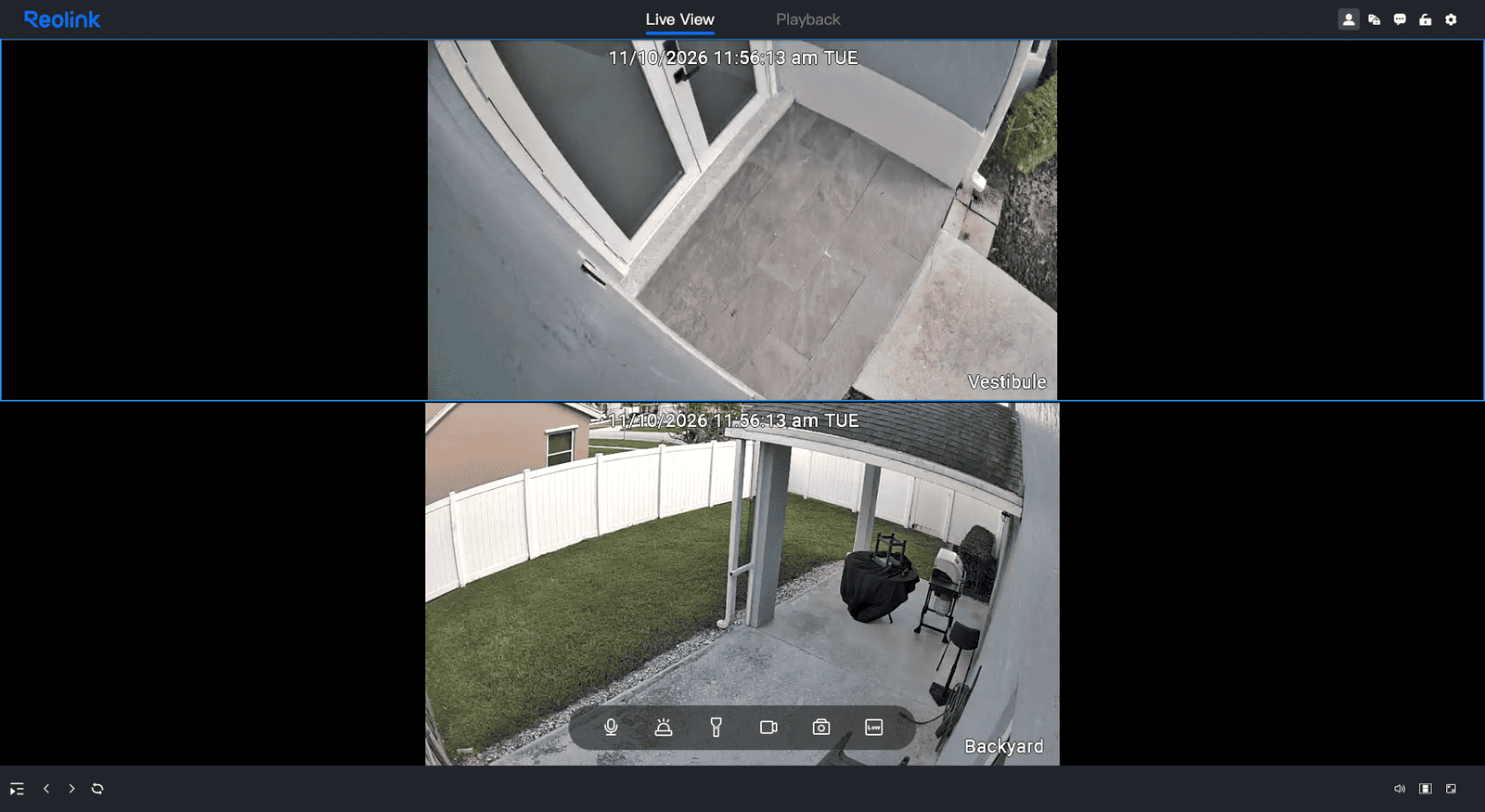
Megapixels: What They Really Mean
Here’s the teacher version: megapixels are the number of tiles in a mosaic. More tiles means finer detail when you zoom in. But the mosaic only looks good if the lens, sensor and lighting do their jobs too.
| Camera | Resolution (approx.) | Widest scene where you can still identify a face* |
|---|---|---|
| 2MP (1080p) | 1920 x 1080 | about 25 ft |
| 4MP | 2560 x 1440 | about 33 ft |
| 8MP (4K) | 3840 x 2160 | about 50 ft |
| 12MP | 4512 x 2512 | about 59 ft |
*Based on the common industry guideline of roughly 250 pixels per meter (about 76 per foot) for identifying a person. Real results vary with lens, lighting and distance.
What that means in real life: a 4K camera lets you cover a wider driveway or yard and still zoom in on a face or a license plate. But more megapixels also means bigger files, more storage and more bandwidth. And a 12MP camera in a dark yard can look worse than a good 4MP camera under a porch light. Megapixels give you potential. Light and lens deliver it.
Color at Night: The Real Differences
Night is where security cameras look different the most. Not all night vision is the same. There are three kinds, and they look very different:
Infrared (IR)
Invisible light the camera “sees” with. Reliable in total darkness, but the picture is black and white. That red car and that blue shirt? Both gray.
Color night with a spotlight
A built-in white light switches on, so you get true color, plus a visible “we see you” deterrent. The trade-off: a light that comes on at night.
Low-light color (no extra light)
A very sensitive sensor and wide lens pull color out of ambient light like street or porch lamps. Great with some light, but it can’t create color from pure darkness.
Color matters because it’s how you describe things to police and your insurance company: the red truck, the green hoodie, the white van. If a camera covers a spot with some ambient light, low-light color is wonderful. For a pitch-black side yard, IR is the dependable choice, or add a motion light so color mode has something to work with.
The South Florida Factor
Our climate is hard on camera pictures. Bugs, spiders and geckos love the warm glow of IR cameras, and one spiderweb in front of the lens can turn a crisp night picture into a white blur. Humidity and afternoon storms leave water spots, and out west, sugarcane ash (“black snow”) coats lenses during harvest season. If your picture suddenly got worse, wipe the lens before you panic.
CSS Man Tips & Tricks
- Judge your cameras on your best screen first. Connect the recorder to a 4K TV and see what the cameras can really do.
- Tap one camera for full quality. Grid view is the preview, not the movie.
- Wipe the lenses every few months with a soft microfiber cloth. Webs and dust are the #1 cause of “my camera got blurry.”
- Don’t aim IR cameras at a nearby wall or porch rail. The light bounces back and whites out the whole picture.
- Update the app and use good Wi-Fi on the device you watch with.
CSS Man’s note: flying past the camera does NOT improve the resolution. I tested this. Repeatedly. — CSS Man
Mythbusters
- BUSTED“It’s blurry on my tablet, so the camera is bad.” Often it’s the tablet. Try a newer phone or a TV and compare.
- BUSTED“More megapixels always means a better picture.” Not if the lighting, lens or your viewing device can’t keep up.
- PLAUSIBLE“Color night vision works in complete darkness.” Only with a light source: either a built-in spotlight or some ambient light.
Want to See It on Your Own Screen?
Still wondering why your security cameras look different from screen to screen? Tell us what you want to see (your driveway, front door, a barn full of horses) and what you plan to watch on. We’ll help you pick the right cameras, and the right screen, so the picture matches your expectations. Explore our security camera installation services, browse the security resources and FAQs, or see our Royal Palm Beach camera page. Curious about the cameras themselves? Visit Reolink and the Reolink support center.
Let’s Make Your Cameras Look Amazing
Serving Palm Beach, Martin, Broward and Miami-Dade counties.
Call 561-285-2780 certifiedsecuritysystems.orgCertified Security Systems • 1127 Royal Palm Beach Blvd #336, Royal Palm Beach, FL 33411