
Yes, you can keep using the Hikvision cameras already on your home. The FCC’s July 2026 rule limits what can be imported and sold, not what you already own and run.
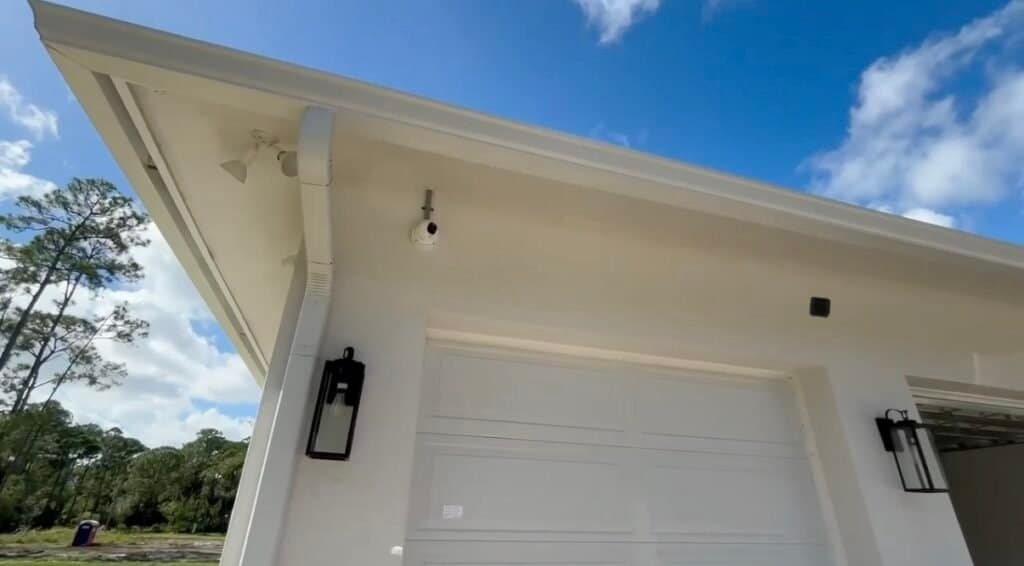
We hear this fear from Palm Beach County homeowners all the time. Here is the short version of how the conversation goes around our office.
Hikvision is banned! I am taking down every camera in Palm Beach County. From the air.
Nobody is taking anything down. Cape off, please.
But the FCC said…
The FCC changed what can be imported and sold. The cameras already on your house can stay. Let’s read the notice.
Prefer to watch? Wendy walks you through it.
Short on time? Watch it on YouTube and subscribe for more South Florida security tips.
What the FCC actually did
On June 26, 2026, the FCC issued Public Notice DA 26-635. It took effect July 16, 2026, after publication in the Federal Register on July 6.
- What it stops: importing and marketing older, previously authorized equipment from companies on the FCC’s Covered List, including Hikvision.
- What it does not stop: the FCC says consumers can keep using equipment they already own.
- Where it applies: Hikvision is listed by use, so the ban covers equipment imported or marketed for public safety, security of government facilities and other national security purposes. The FCC put the critical-infrastructure piece on hold until it defines that term.
- What came before: the FCC stopped authorizing new Hikvision models in November 2022, per this summary.
Businesses with federal contracts are a different story. NDAA Section 889 looks at use, not purchase, so cameras installed years ago can still count. If that is you, ask your compliance officer before your next upgrade.
How we got here: the timeline, in plain English
Most of the confusion comes from mixing up three different things: a law about the federal government, a rule about what can be sold, and a rule about how equipment can be used. They arrived in different years and they apply to different people. Here is the order they happened in.
- August 2018: the NDAA is signedSection 889 of the National Defense Authorization Act bars federal agencies from buying video surveillance equipment from Hikvision, Dahua and a few other named companies. Agencies were covered starting in August 2019, and contractors that use such equipment were covered starting in August 2020.
- March 2021: the FCC’s Covered ListHikvision and Dahua video surveillance equipment was added to the FCC’s Covered List on March 12, 2021. That meant no new FCC equipment authorizations, and the FCC could restrict how the gear is used.
- January 2022: a known-exploited flawCISA added a Hikvision camera web-server vulnerability, CVE-2021-36260, to its Known Exploited Vulnerabilities catalog on January 10, 2022. Federal agencies were told to patch it within two weeks.
- November 2022: no more new modelsThe FCC stopped approving new models from Hikvision and the other covered companies, but older, already-authorized models stayed legal to import and sell.
- April 2024: a court trims the definitionA federal appeals court sided with Hikvision and Dahua on one narrow point: the FCC’s definition of “critical infrastructure” was too broad. The court left the Covered List itself in place.
- October 2025: the FCC builds a tool to close the gapThe FCC adopted a procedure to limit older authorizations for covered equipment, so previously approved models could be cut off from import and marketing too.
- June 26, 2026: Public Notice DA 26-635The FCC used that tool. Importing and marketing of previously authorized Hikvision, Dahua and Hytera equipment is prohibited where it is used for public safety, government facilities, or other national security purposes. The FCC states plainly that the prohibition does not affect the continued use or operation of equipment already purchased.
- October 13, 2026: revised rules take effectA follow-on FCC order, published in the Federal Register on September 11, 2026, rewrote the “critical infrastructure” definition to follow the statutory one. The June notice had suspended the critical-infrastructure piece until that definition existed, so if you operate a utility, hospital or similar facility, read the current text rather than relying on a blog post, ours included.
What “covered use” really means for a homeowner
This is the part that gets lost in headlines. The FCC did not ban Hikvision the way you would ban a recalled toaster. For Hikvision, Dahua and Hytera, the restriction is tied to what the equipment is used for: public safety, security of government facilities, physical security surveillance of critical infrastructure, and other national security purposes. A camera watching your driveway in Wellington is not any of those things.
There are two separate questions people tend to blur together:
- Can I keep using what I already have? Yes. The FCC notice says the prohibition does not affect continued use or operation of equipment already purchased.
- Can a company still sell me new Hikvision gear? That is the part that is closing. Importing and marketing is what the FCC restricted, which is why distributors are pulling product and why you will have a hard time finding anyone to add cameras to an existing Hikvision system.
Notice what is not in the rule: a deadline to rip anything out, a fine for homeowners, or a requirement to tell anyone what is on your house. If you read something online that says otherwise, check whether it is describing the FCC rule, the federal procurement law, or a state rule for government agencies. They are three different things.
Your camera might be Hikvision without saying so
Hikvision also builds cameras sold under other companies’ names. Annke and LaView are two of the most common, so plenty of homeowners own Hikvision hardware without knowing it. The brand on the front is not always the maker.
A 20-minute audit you can do tonight
You do not need to be technical to find out where you stand. Grab your phone, a flashlight and a pen, and work through this list. Write everything down in one place, because that single page will save you (or us) an hour later.
- Count the cameras. Walk the outside of the house and note each one, plus any indoors. People are often surprised by the number.
- Read the labels. Most cameras have a sticker on the base or the back with a model number and sometimes a serial number. Photograph it. Do not guess from the logo on the front.
- Find the recorder. It is usually in a closet, garage or attic, a box with a hard drive. Photograph the label and note whether it connects to your router.
- Open the app. Note the name of the app you use to watch. The app often tells you more about the real maker than the camera does.
- Check the passwords. If it still uses the factory password, or one you have reused anywhere else, change it today.
- Check the firmware date. In the camera or recorder settings, find the firmware version and date. If it has not changed in years, put that at the top of your list.
- Ask how you view it away from home. If the answer involves a port opened on your router, that is the first thing to fix, whatever brand you own.
Send us that page and we will tell you which bucket you are in: keep, isolate or replace. No sales pitch required.
The call from Jupiter
Recently a Jupiter homeowner called us convinced he had to stop using his Hikvision cameras right away. He had read the headlines, and he was scared.
We explained that home use is different: the FCC rule is about importing and selling equipment, not about the cameras already on his house. He stayed skeptical, which is fair when the news sounds like a ban. So we switched him to Reolink, and he got his peace of mind.
That call is not unusual. Since the rule came out, our phone has been busy with Hikvision owners who can no longer find an installer willing to service their system or add a camera. They are not in trouble. They are stuck, and that is a different problem with a practical answer, which is what the rest of this guide is about.
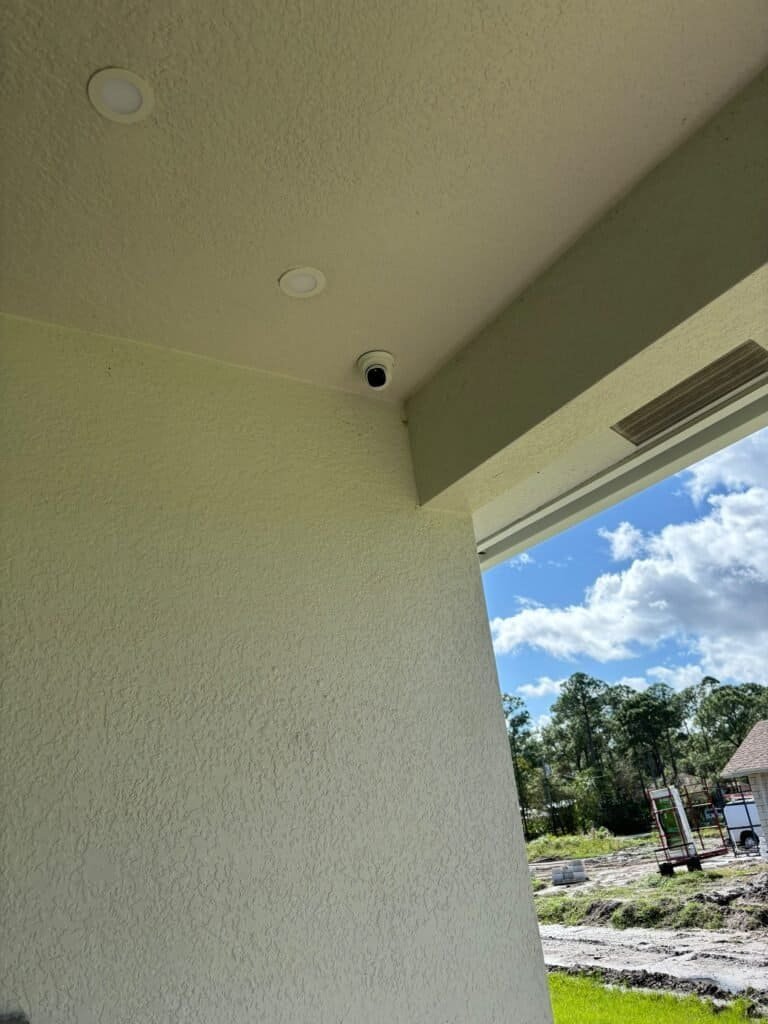
The lesson: you do not have to replace Hikvision, but it is your call, and sleeping well counts.
Keep, isolate or replace: a simple way to decide
Legal and safe are not the same word. Your Hikvision cameras may be perfectly legal to keep running and still be worth a second look, because the bigger day-to-day risk for most homes is an old, unpatched camera facing the internet, not a federal agency. A flaw like CVE-2021-36260, a command-injection bug in the camera web server that CISA flagged as actively exploited, is the kind of thing that hurts people with unpatched devices, whatever brand is on the front.
Here is how we walk homeowners through it.
Keep
Choose this if your system is recording, you have updated the firmware, the default passwords are gone, and the cameras are not exposed to the internet.
Do: update firmware, use a long unique password, turn off port forwarding and UPnP, and check the recorder’s remote-access settings.
Isolate
Choose this if the system works but you are not sure how it is set up, or it is old, or you simply want a safety margin.
Do: put the cameras on their own network or VLAN with no route out to the internet, and view footage on your local network only.
Replace
Choose this if parts are failing, the firmware stopped updating, you want to add cameras, or you simply want to stop worrying.
Do: replace in stages. You often do not need to start from zero (see below).
Replace everything! Tear it all down! I will personally launch each old camera into the Atlantic.
Please don’t. Half of these systems are fine. We check them first and replace only what needs it.
You can replace the recorder without replacing every camera
This surprises people. Most Hikvision IP cameras speak a standard called ONVIF, which lets them work with recorders from other manufacturers. On newer firmware ONVIF is often switched off by default, so it has to be enabled in the camera, and you usually create a dedicated ONVIF user for the recorder to log in with.
That gives you a realistic staged path:
- Audit. Make a list of every camera and the recorder, with brand, model and firmware.
- Swap the recorder first. A current non-Hikvision recorder can often pick up the existing cameras over ONVIF, so you get a supported, updatable brain without touching the wiring.
- Replace cameras over time. Start with the oldest or the ones facing the street, and swap the rest as budget allows.
Two honest caveats. First, ONVIF compatibility varies by model and firmware, and some on-camera smart features, such as line-crossing alerts, may not carry over to another brand of recorder. Second, ONVIF is for video and basic controls, not a promise that every feature moves across. We test the pairing before we promise anything. That is why we ask for the model numbers first.
How to vet any replacement brand
The same rules that make you cautious about Hikvision should make you careful with whoever replaces it. Brand names and sales pages are not evidence. Use this checklist with any manufacturer, ours included.
- Ask for a written Section 889 statement. Reputable manufacturers publish one. Reolink, for example, has an official statement saying its products and services do not use equipment or services from the entities listed under Section 889(a)(1)(B). Read the statement for the exact product family you are buying.
- Do not trust “NDAA compliant” as a badge. It is a procurement term for federal buyers and contractors. A sticker is not a certification, and different retailers apply it differently. Ask what it refers to.
- Check who actually makes it. Rebranded cameras are common. Ask whether the camera, the recorder and the app are built by the brand on the box or by someone else.
- Look at the update history. A manufacturer that ships regular firmware fixes is worth more than one with a nicer spec sheet.
- Ask how remote viewing works. Cloud relay with two-step login is very different from opening a port on your router.
- Get it in writing if you are a federal contractor. Your contract’s compliance team decides what is acceptable. We can supply documentation, but we cannot make that call for you.
We do not claim any brand is risk-free. We install cameras we are willing to support for years, and we will tell you plainly what we know and what we do not.
The bottom line for a Palm Beach County homeowner: you are not in trouble, you do not have to tear anything out, and you do have options. The real work is knowing what is on your house, keeping it updated, and having a plan for the day a part fails.
Mythbusters
“It is illegal to own or use a Hikvision camera at home.”
BustedNo federal rule makes a homeowner stop using cameras they already own. The FCC’s 2026 notice covers importing and marketing, and the FCC says existing equipment can keep running.
“If the camera does not say Hikvision, it is not Hikvision.”
BustedSome brands sell Hikvision-made cameras under their own name. The label on the front is not always the maker.
CSS Man’s Tips & Tricks
“X-ray vision, meet camera sticker.”
Find the brand, model number and FCC ID on the label of every camera and your recorder.
“I filed it in the Fortress of Filing.”
Write down the model and the install date, and keep it with your alarm and camera paperwork.
“Passwords are my kryptonite.”
Change any default password, and ask your installer before opening your recorder to the internet.
“Federal contract? Land the plane.”
If you do business with the federal government, ask your compliance officer about NDAA Section 889 before you upgrade.
“Plan the landing before takeoff.”
If a recorder fails, ask for a replacement plan before it does. We can replace a failed Hikvision recorder with another brand.
The bigger picture: supply chain is now a security feature
Hikvision is the headline, but it is not the story. The story is that a security camera is a small computer on your network, and for years most buyers had no idea who built it, who wrote its software, or who was still fixing its bugs. That was a quiet assumption. The last few years have turned it into a question every buyer should be able to answer.
Three shifts are worth understanding, because they will outlast this particular rule.
1. Where a camera comes from now affects whether you can keep it supported. When a product category is restricted at the import level, the effects ripple outward: distributors stop stocking, installers stop servicing, replacement parts get scarce and software support gets uncertain. None of that makes your existing camera illegal. It does mean the safest assumption is that supply and support for restricted brands will keep shrinking, so planning ahead beats scrambling later.
2. Compliance language is being used as marketing. “NDAA compliant” now appears on product listings the way “military grade” once did. The phrase has a specific meaning for federal procurement and almost no meaning for a homeowner choosing between two boxes on a shelf. The useful move is to ask for the written statement, read it, and ask what it covers.
3. The weak point is usually the setup, not the logo. The flaw CISA flagged in Hikvision cameras was a software bug, and bugs like it are found in every brand eventually. What turned a bug into a break-in was cameras that were unpatched and reachable from the internet. A well-configured system from any reputable maker beats a neglected one every time. That is why we spend more time on passwords, updates and network setup than on spec sheets.
What does this mean for how we work? We choose brands we are willing to support for the long run, we document what we install, and we tell customers plainly what we know and what we do not. When someone calls with an older Hikvision system, we do not start with a quote. We start with questions, because the right answer is often smaller than they fear.
If there is one idea to take away, it is this: the best time to find out what is on your house is before something fails, not after. It costs you twenty minutes and a phone call. It can save you a rushed, expensive decision later.
Quick answers
Do I have to take down my Hikvision cameras?
No. The FCC’s notice does not affect continued use of equipment you already own.
Can I still buy new Hikvision cameras?
Importing and marketing is what the FCC restricted, so supply is drying up. We no longer sell new Hikvision systems.
Does this apply to my business?
It depends on use. Public safety, government facilities and certain critical infrastructure are treated differently, and federal contractors have separate Section 889 obligations. Ask your compliance contact or call us for a site review.
Will you service my existing Hikvision system?
Yes. We service Hikvision and every major brand, and we can help you plan an upgrade if you want one.
How do I know if my camera is secretly Hikvision?
Check the label, the model number and the app it uses, then send us the details. Rebrands are common and the box does not always say.
What we do for Hikvision owners in Palm Beach County
Many homeowners call us because they can no longer find anyone to service their Hikvision or add a camera. We do both for systems you already own, from Royal Palm Beach and Wellington to Jupiter and Port St. Lucie. We no longer sell new Hikvision systems, and if a recorder fails, we replace it with another brand.
Want to see the brands we install today? Browse our products or read how to choose between a DVR and an NVR. Storm season matters too, so see what happens to your cameras in a power outage. Find your city on our service areas page.
Not sure what is on your house? Send us the model number.
Tell us what is on the label and we will tell you what you really have, whether we installed it or not. And we beat any written quote, always.
info@certifiedsecuritysystems.org
Certified Security Systems1127 Royal Palm Beach Blvd #336
Royal Palm Beach, FL 33411
Sources
- FCC Public Notice DA 26-635, released June 26, 2026
- FCC Covered List and importation/marketing prohibitions
- FCC DA 26-832, confirming the July 16, 2026 effective date
- Hikvision’s response to the FCC notice
- Is Hikvision NDAA Compliant? (Safe and Sound)
- Should You Still Buy Hikvision in 2026? (Coram)
- Is Hikvision Safe? (Smart Home Perfected)
- FCC 26-50, revised critical infrastructure definition and Covered List rules
- Steptoe: FCC tightens equipment rules
- Cooley: court instructs FCC on “critical infrastructure”
- Reolink Section 889 statement
- CISA Known Exploited Vulnerabilities: CVE-2021-36260
- SDM: NDAA Section 889 timeline
Reviewed by the Certified Security Systems team. General information, not legal advice. Check the FCC notice and your own contracts for your situation.