
Do security cameras work in a power outage? Sometimes. A wired camera system keeps recording only if the recorder, the cameras and the network gear have backup power, such as a UPS or a generator. Your phone also needs the modem and router running and your internet provider up. Battery Wi-Fi cameras can stay awake for a while, but they cannot reach the cloud or your phone without internet. And a power surge can break the path to your phone while your monitor still looks perfect.
Storm’s coming! I’ll fly in front of the camera so it always has something to record.
The camera needs power, not a hero.
Power is just flying for electricity.
Please sit down. I am writing a blog post.
Every storm season, the same questions come in after the lights flicker back on. Are my cameras still recording? Why can I see them on the TV but not on my phone? Did the surge get my system?
Here are the straight answers from the team that installs these systems across Royal Palm Beach, Wellington, Westlake and beyond. Hurricane season officially runs through November 30, so there is still time to get ready. The National Hurricane Center and Ready.gov have the full family checklists. This post answers one question: do security cameras work in a power outage?
Do security cameras work in a power outage? What keeps recording when FPL goes dark
Do security cameras work in a power outage? It depends on which outage you mean. A power outage and an internet outage are two different problems, and most people only plan for one. Here is the difference. A recorder (an NVR) saves video on its own hard drive. That is why a wired system on a backup battery keeps recording with the internet down. You just cannot watch it from your phone until the modem and router come back.
| System | First hour | Overnight | Day 3 |
|---|---|---|---|
| Wired cameras + NVR on a UPS | Recording Recorder and cameras run on the battery. Phone view needs the modem and router on backup too. | Partial Depends on UPS size. A small one may be spent by now. | Partial Needs a generator or a very large battery. |
| Wired cameras, no backup | Down No power, no recording. | Down Nothing is being saved. | Down When power returns, it can return with a surge. |
| Battery Wi-Fi camera | Partial Camera is awake. The router is dark, so no cloud and no phone view. | Partial Battery is draining. Footage is saved only if the camera has local storage. | Partial If any battery is left. Still no internet, still no phone. |
| Solar-assisted Wi-Fi camera | Partial Stays powered. Still needs Wi-Fi and internet to reach you. | Partial The battery carries it through the night. | Partial Needs daylight. Storm clouds can cut the charge short. |
General guide only. Real runtimes depend on your equipment, how many cameras it feeds and your settings.
Do security cameras work in a power outage when they are Wi-Fi cameras with a battery? Wi-Fi cameras with a battery backup deserve their own paragraph. The battery keeps the camera awake. It does not keep your internet alive. Without internet, the camera cannot reach the cloud, and you cannot reach it. Batteries also only last so long. A battery Wi-Fi camera is a camera with a countdown.
Local news in Southwest Florida has covered the usual fixes: backup batteries for routers and solar panels for outdoor cameras. Both help. Neither beats a wired system with a recorder that never needed the internet to do its job.
The storm damage you cannot see
Lightning gets the headlines. Surges are sneakier. When the power flickers, spikes, or comes back hard after an outage, a jolt can travel through the outlet and the network cable into the first thing it finds. We see surges wipe out an NVR’s LAN port and its power supply.
Do security cameras work in a power outage that ends with a surge? Half the system might. The tricky part is the symptom. The cameras still show on the monitor. The system looks healthy. But your phone shows nothing.
A possible customer called us about his Hikvision system. He could see every camera on his monitor. He could not see a single one on his cell phone.
We had not sold or installed his system. We went out anyway to see if we could find a quick fix. The culprit was his router. It had taken a power surge, and the hit fried its LAN port. That one port was the reason his phone view went dark.
Why the monitor works and the phone does not
So do security cameras work in a power outage, or after a surge? The monitor and the phone take different paths. Your TV monitor plugs straight into the recorder. Your phone has to travel the whole path below. If one link in the chain breaks, the phone goes dark while the monitor carries on like nothing happened.
- CamerasSend video to the recorder.
- Recorder (NVR)Saves video. Your monitor plugs in here, so it can look perfect.
- NVR network portSurge suspect
Connects the recorder to your router. - RouterSurge suspect
Hands your video to the internet. - InternetNeeds your provider up and running.
- Your phoneOnly works if every link above does.
Do security cameras work in a power outage if the internet is what failed? Not every dead phone view is a surge. Your internet provider could be down, or the router may simply need a restart. Before you call anyone, check whether other devices have internet and look at the little lights on the recorder’s network port. If nothing blinks and the monitor still works, a surge is a real suspect.
CSS Man Tips & Tricks
Translated for humans by Wendy.
“Cape on, surge off.”
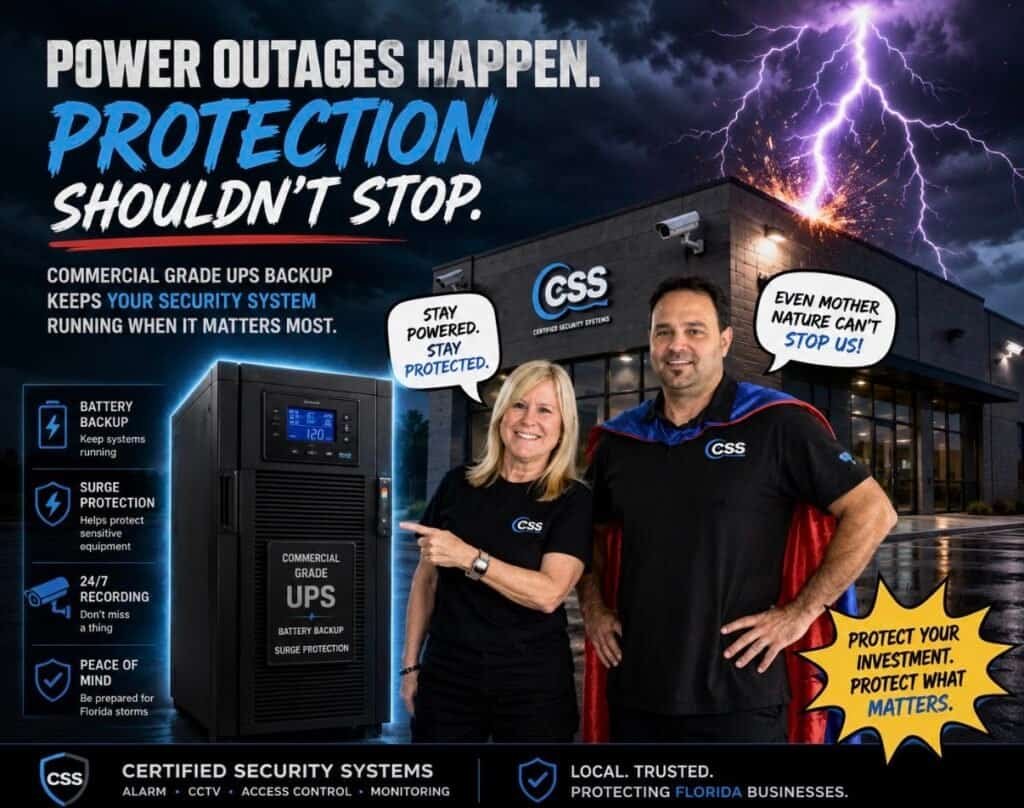
Plug the recorder, PoE switch, modem and router into a surge-rated UPS. A plain power strip is not the same thing, so check the label.
“I test everything from 200 feet up.”
Test on the ground. Turn Wi-Fi off on your phone and open your camera app on cellular data. If it loads, your remote path works.
“A reboot is just a nap with a plan.”
When power returns, restart in a sensible order: modem first, then router, then recorder. Give each one a few minutes.
“I label everything. Especially capes.”
Snap a photo of your recorder’s model label and keep your login details somewhere safe. You will be glad you did at 9 p.m. with no power.
“I only watch live. From the sky.”
After the lights return, check playback, not just live view. Live view proves a camera works. Playback proves the recorder kept recording.
Mythbusters
Three storm-season beliefs we hear all the time.
“My cameras have batteries, so I’m covered.”
BustedA battery keeps the camera awake. It does not keep your router running or your internet connected, and it only lasts so long.
“I can see my cameras on the TV, so my system is fine.”
BustedThe monitor connects straight to the recorder. The phone path runs through the network port, the router and the internet. A surge can break one without touching the other.
“Wi-Fi cameras are safer in a hurricane because there are no wires.”
BustedWi-Fi cameras still need power, a working router and internet to reach you. Fewer wires means more things that depend on the grid.
Do security cameras work in a power outage? Questions people ask
Will my security cameras work if the power goes out?
Only if something supplies power. A wired system with a UPS or generator behind the recorder, cameras and network gear keeps recording. A system with no backup goes dark. Battery and solar cameras can keep running for a while.
Do security cameras work without internet?
Wired cameras on a local recorder keep recording without internet. You just cannot watch from your phone until it returns. Many Wi-Fi cameras lean on the cloud and lose most of their usefulness when the internet drops.
Why can I see my cameras on my TV but not on my phone?
The monitor connects directly to the recorder. Your phone has to go through the recorder’s network port, your router and the internet. An internet outage, a router problem or a surge-damaged port can cut that path. Our FAQ page covers more common camera questions.
Can a power surge damage a security camera system?
Yes. Surges can damage a recorder’s power supply and network port, a router, and sometimes the cameras themselves. A surge-rated UPS in front of your gear helps. Many plain power strips offer no surge protection at all, so read the label.
How long will a battery security camera last in an outage?
It depends on the model, battery size, temperature and how often the camera records. Check the specs for your exact camera. Remember that battery life and internet access are separate questions.
How do I keep my cameras working during a Florida hurricane?
Put the recorder, PoE switch, modem and router on surge-protected battery backup, add a generator if you can, and test your phone view on cellular data before the storm. See our camera systems for options built for this.
From the field: Evan, our Lead Technician, shares his own take on this in his LinkedIn article, Your Security Cameras Might Be Useless the Next Time the Power Goes Out.
Monitor works. Phone doesn’t. Call us.
Tell us what you see and we will tell you what we would check first. Whether we installed your system or not. And we beat any written quote, always.
www.certifiedsecuritysystems.org · Contact us · info@certifiedsecuritysystems.org
Certified Security Systems1127 Royal Palm Beach Blvd #336
Royal Palm Beach, FL 33411